

VPN & TikTok
How to Use TikTok After the Ban: Practical Workarounds
Discover effective strategies to continue using TikTok in the US post-ban, including VPN solutions, app store region-switching, and data security tips.
By CoinvertifyPublished 11 min read
Introduction
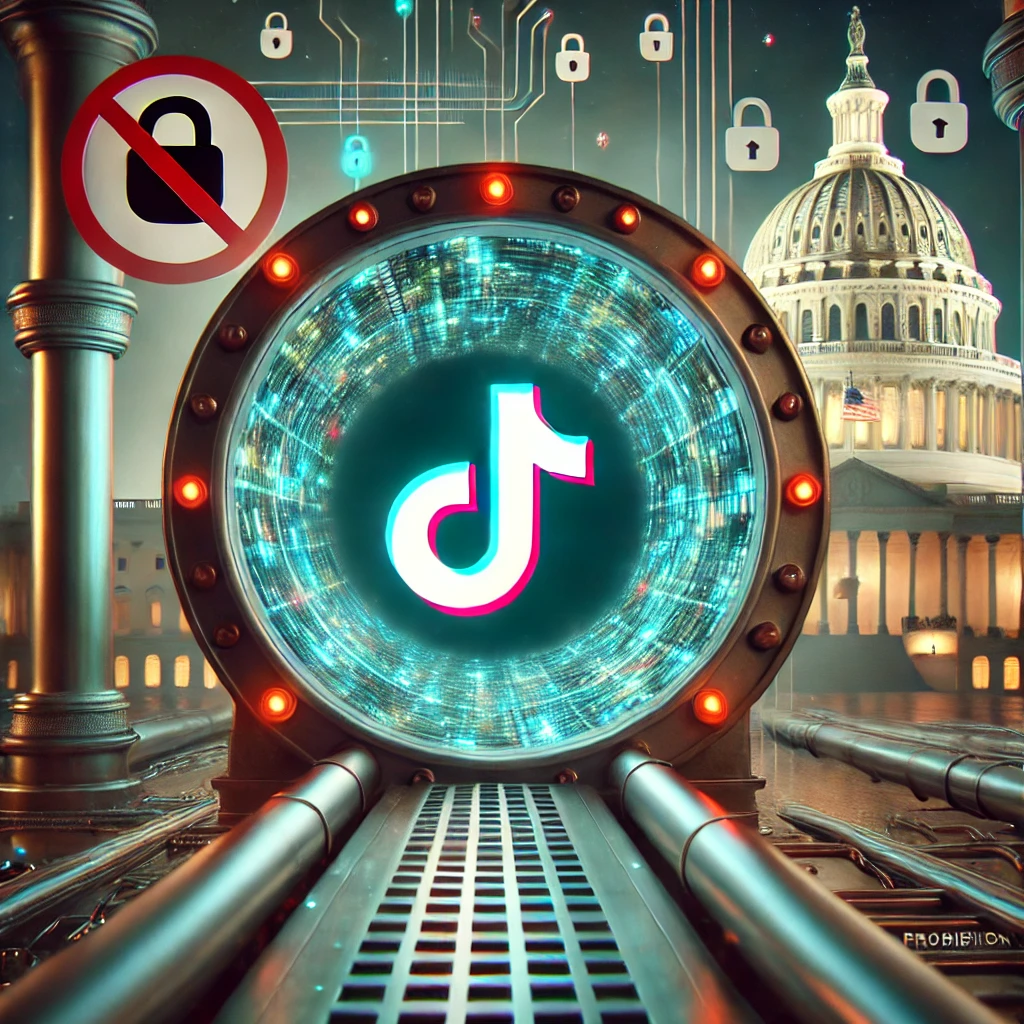
After reading about the tiktok ban, you might be wondering if there’s any way to keep enjoying your favorite dance challenges, viral recipes, and comedic skits. The good news? You’re not alone—and there are methods to maintain access to TikTok, even when U.S. app stores and Internet Service Providers (ISPs) are required to block it.
In this guide, we’ll explore how to use TikTok in the US after the ban takes effect. From securing the app before it disappears to leveraging the power of Virtual Private Networks (VPNs), we’ll cover every angle you need to stay connected to the platform you love.
1. Download TikTok Before It Disappears
The simplest tip for those who do not yet have TikTok installed: Download it now! By the ban deadline on January 19, 2025, TikTok will likely be removed from:
- Apple’s App Store (for iOS)
- Google Play Store (for Android)
- Other official marketplaces like the Amazon Appstore and Microsoft Store
If you manage to install TikTok before it’s pulled, the app can’t be forcibly removed from your device. This move buys you some time—though keep in mind you won’t receive future updates or patches, and potential security vulnerabilities might emerge.
2. The Power of VPNs: Virtual Private Networks
Even if you have the TikTok app installed, you could still lose access if your ISP blocks TikTok’s U.S.-based servers. This is where a VPN becomes indispensable. A VPN allows you to:
- Mask Your Location: By routing your internet connection through a server in another country, you appear to be browsing from that location instead of the U.S.
- Bypass ISP Blocks: If your ISP blocks TikTok at the domain or IP level, a VPN can circumvent these restrictions by encrypting your traffic.
- Protect Your Data: Quality VPNs offer encryption that shields your connection from prying eyes, enhancing your online privacy.
Popular services like Private Internet Access, NordVPN, and ExpressVPN are known for stable connections, global server options, and robust security protocols. Remember, free VPNs may lack the reliability or data protection features you need.
3. Changing Your App Store Region
Once the ban is live, TikTok updates and downloads will be blocked for U.S.-based accounts. But what if you can trick your device into thinking you’re not in the U.S.? That’s where app store region switching comes in.
On iOS (Apple):
- Open Settings > [Your Name] > Media & Purchases > View Account.
- Tap Country/Region and select a country where TikTok is still available.
- Add a valid payment method and billing address for that region.
- Return to the App Store to download or update TikTok.
On Android (Google Play):
- Open the Google Play Store and go to Profile > Settings > General > Account and Device Preferences.
- Select the Country and Profiles option and choose a non-U.S. region.
- Add a valid payment method if prompted.
- Install or update TikTok while in the new region.
Combined with a VPN, this method can ensure you receive important app updates (if ByteDance still provides them outside the U.S.). However, it may complicate future purchases and subscriptions tied to your device.
4. Sideloading TikTok on Android
For Android users who fail to download TikTok before the ban or who lose access to updates, sideloading might be a last resort. Sideloading means installing an application from sources outside the Google Play Store, typically via .apk files. Though it can work, it’s fraught with risks:
- Malware Danger: Downloading apk files from shady websites can expose your phone to viruses or spyware.
- No Automatic Updates: You’ll need to manually reinstall the newest version every time there’s an upgrade, assuming you can find a safe source.
- Potential TOS Violations: Sideloading can sometimes violate device warranties or the terms of service of your phone or service provider.
If you decide to try it, only download files from reputable platforms like APKMirror, which has a track record of checking for malicious content. And always scan each file with a mobile antivirus solution.
5. Balancing Security and Convenience
Even if you find creative ways to use TikTok post-ban, don’t forget the security implications. By definition, a banned app in the U.S. will not receive official updates, so you could be left with an outdated version. Here are essential considerations:
- Security Vulnerabilities: No official patches mean potential exploits remain unaddressed.
- Privacy Concerns: TikTok might continue collecting data without the oversight that official updates or regulations could provide.
- Possible App Instability: Over time, the app could glitch more frequently on newer operating systems.
Weighing these factors is crucial. Some users may decide that staying on an unsupported app is too risky. Others might keep using it but remain vigilant about suspicious activity or permissions.
6. Alternative Platforms to Consider
If the hassle of using TikTok post-ban seems too great, or if you’re concerned about data security, there are several alternative platforms where you can consume and create short-form video content. While not exact replicas of TikTok, they offer similar functionality:
- Instagram Reels: Owned by Meta, offers short videos with editing tools, filters, and a large audience base.
- YouTube Shorts: An extension of YouTube that allows short video uploads with the potential for high visibility.
- Clapper: Another alternative rising in popularity, built for real-time engagement and micro-communities.
- RedNote: A newer Chinese-owned app, but exercise caution and review its privacy policies before diving in.
While it’s not guaranteed you’ll replicate TikTok’s explosive reach on these platforms, you might find new audiences and unique features that keep you creatively fulfilled.
7. How Coinvertify Helps You Navigate Digital Change
At Coinvertify, we focus on making sense of rapidly evolving tech trends. From guidance on how to use TikTok after the ban to broader privacy discussions, our mission is to empower you. We believe in an Internet where knowledge is shared, and users can freely choose the platforms that best serve their needs—while staying informed of the risks.
Visit our main site, Coinvertify, for up-to-date articles on online privacy, crypto technologies, and ways to secure your digital assets. We also cover major shifts in social media regulations, so you’ll never be caught off guard by the next big tech shakeup.
8. Final Thoughts
The tiktok ban has undeniably reshaped how we approach social media access in the U.S. Whether you choose to adapt using methods like VPNs or migrate to alternative platforms, staying informed is essential. If you do continue to use TikTok via workarounds, remember to prioritize your digital security and privacy.
Ultimately, the ban raises pressing questions about government regulation, data ownership, and the future of online expression. As new developments unfold—such as potential legal challenges or partial concessions—Coinvertify will be here to keep you updated with in-depth coverage and expert insights.
For more resources on digital freedom and emerging tech, continue exploring our blog or sign up for our newsletter. The internet may be shifting, but with the right knowledge, you can stay ahead of the curve—and keep scrolling through your favorite short-form videos for as long as you desire.
More guides
TikTok, AI, Social Media, Digital Trends
Exploring TikTok's New AI-Powered Features: Enhancing User Experience in 2025
Dive into TikTok’s new AI-powered features in 2025, from personalized feeds and AI-driven content creation tools to interactive engagement features, and discover how these advancements are setting new standards in the digital landscape.
4 min read
TikTok Ban
Understanding the TikTok Ban in the U.S.: A Comprehensive Guide
Dive deep into the reasons behind the TikTok ban, how it affects your digital rights, and what it means for the future of online privacy.
10 min read

TikTok Recipes
Dubai's Viral Chocolate: Mastering the TikTok Sensation
Dive into the world of Dubai's viral chocolate and learn how to recreate the TikTok sensation at home.
8 min read
More free TikTok tools
- TikTok coins calculatorConvert any amount of TikTok coins to real money and see how much the creator receives.
- TikTok diamonds calculatorSee what your TikTok diamonds are worth in real money before you withdraw them.
- TikTok LIVE gift calculatorAdd the gifts you received on LIVE and see your diamonds, payout and what viewers spent.
- TikTok views money calculatorEstimate what your views earn in the Creator Rewards Program, from 10,000 views to 10 million.
- TikTok money calculatorEnter any public username to estimate what the account earns per video, per month and in total.
- TikTok level calculatorSee your gifter level from the coins you've spent and how many coins the next level takes.
- TikTok engagement rate calculatorCheck any public account's engagement rate and see how it compares.
- TikTok font generatorTurn your text into bold, script, bubble and 17 more fancy fonts you can paste into TikTok.
- TikTok character counterCount characters, words and hashtags and check them against TikTok's caption, bio and comment limits.
- TikTok voice generatorTurn text into the voices used on TikTok, including character and singing voices, and download the MP3.
- TikTok coin price by countryThe App Store price of TikTok coins in every country on file, per coin and compared with the US.